KB Article #3309
D2DLink allows you to integrate directly with your EPC-saving you time when locating parts!
Single-part locate:
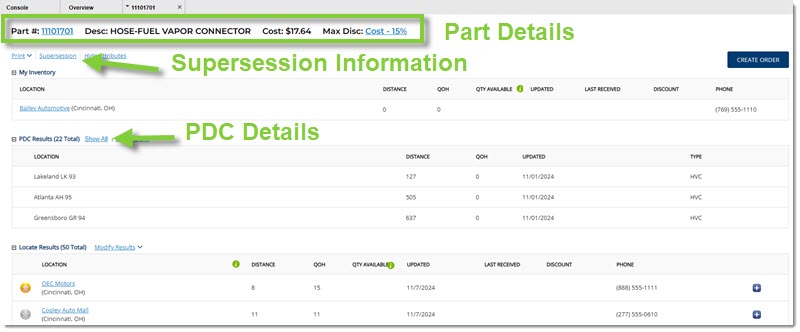
Multi-part locate:
Once you have launched the new Locate window, simply complete the order through D2DLink:
- Click here to learn how to locate using Microcat (CD and Live versions).
Need to give D2DLink access to additional counterpersons? (Click here to see how.)
Note: If you currently have OEC open (fulfilling CollisionLink or RepairLink orders, etc), the D2DLink tab will automatically open in the same window. To return to what you were working on within OEC, simply click the appropriate solution tab.
Looking to access D2DLink through your EPC for the first time?
Before you can view D2DLink within your EPC, you will need to complete/verify the following:
- Add your D2DLink credentials to your EPC.
- Click here to learn how to add your credentials to Microcat.
Once these are completed, you should be able to access D2DLink directly from your EPC.