KB Article #1337
Setting up the New Customer Alert will send emails to dealers when a repair shop adds them into the Manager Suppliers list.
To set up the New Customer Alert:
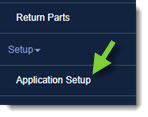
- From the RepairLink window, click Application Setup.
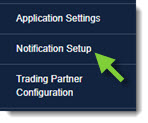
- Click Notification Setup.
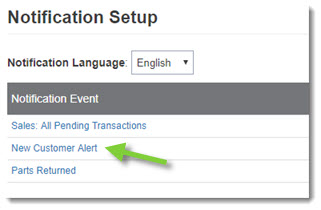
- Click on the New Customer Alert link.
- The selected event settings will display. Configure the following information:
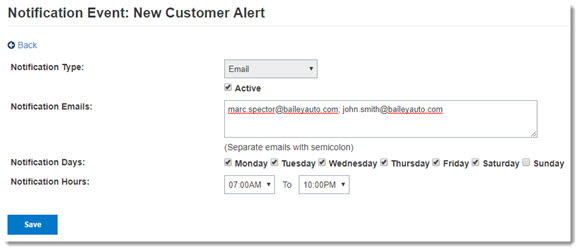
- Place a check in the Active box to enable the notification event.
- Type the Notification Address (email address) that will receive notifications. (If entering multiple email addresses, use a semi-colon [;] with no spaces between each address.)
- Select the Notification Days and Notification Hours range for receiving notifications. Notification Hours default to Eastern Time.
- Click Save at the bottom of the window.
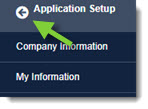
- When complete, click the Back button at the top of the left-hand navigation menu to close.