KB Article #4278
To identify parts that have not been flagged as part of a promotional program:
- Within the Upsell Parts section of your order, click in the OE Part # field.
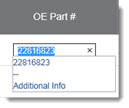
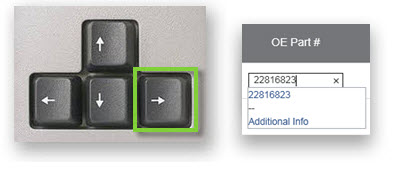
- Press the RIGHT ARROW key on your keyboard. The cursor will display in the OE Part # field.
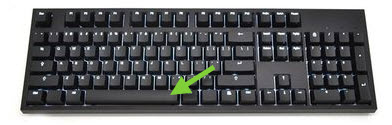
- Press the SPACE BAR on your keyboard.
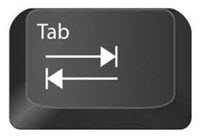
- Press the TAB key on your keyboard.
- CollisionLink will rescan the part. If the part qualifies for a promotion, an icon will display in the Program column.
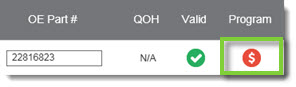
- Repeat this process for any part that may qualify for a promotion.