KB Article #281
CollisionLink allows you to easily record parts that were returned by a shop. Returns can be processed against transactions that have a Status of Completed, Submitted for Reimbursement, or Closed--including orders that have already been archived. (Click here for more information on processing returns)
Once returns have been processed, they can be quickly viewed.
To view returns in CollisionLink:
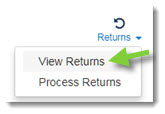
- When inside the CollisionLink Order Details window, click Returns and then View Returns to display all parts that have been returned for the order.
- Click the Print to print a report of the parts returned.
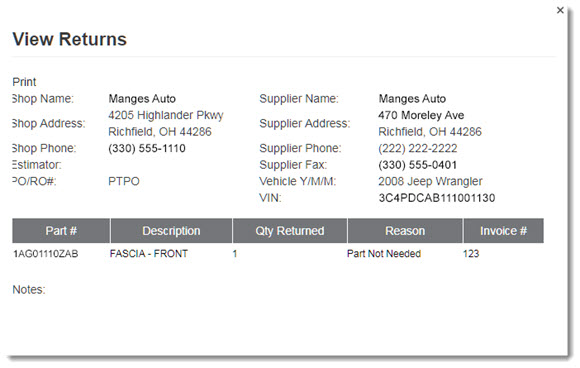
- When finished, click the X in the upper right-hand corner of the View Returns window to close.