KB Article #276
Before a salesperson can be assigned to a shop, the salesperson must have their own user name and password. OEC will need to sync overnight before the salesperson can see shop orders on their Overview window. The salesperson will not be able to see orders received before the sync process.
To assign a salesperson to a Trading Partner:
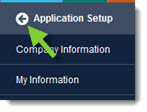
- From the CollisionLink tab, click Application Setup.
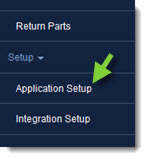
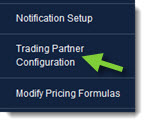
- Click Trading Partner Configuration.
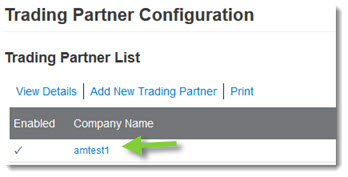
- Find the shop you want to add a salesperson for on the Trading Partner list and double-click the record to view its details.
- In the General Information section:

- Click the Dealership Salesperson drop-down to select a user as the primary salesperson.
- Click the Backup(1) to Salesperson drop-down to allow an additional user to handle the shop's order. Two more users can be selected from Backup(2) to Salesperson and Backup(3) to Salesperson drop-downs.
- Click Save when finished.
- Click the Back button at the top of the left-hand navigation menu to close.