KB Article #4501
With DMS Connect, dealers can create a quote in their Dealer Management System (DMS) directly from a retail order in MarketplaceDirect. In order to import pricing and part availability into a MarketplaceDirect order and to create a quote in your DMS, DMS Connect must be configured with the following information:
- DMS Counter Person ID: A sales person's ID in their DMS that identifies who created the quote.
- Default DMS Customer Number: An ID for a generic account in your DMS configured for retail buyers.
The following tasks must be performed by a user that has administrator-level OEC login credentials.
Step 1 - Setting Up the Default DMS Customer Number
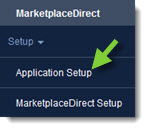
- From the MarketplaceDirect tab, click Application Setup.
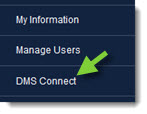
- Click DMS Connect.
- Type the Default DMS Customer Number in the field provided.
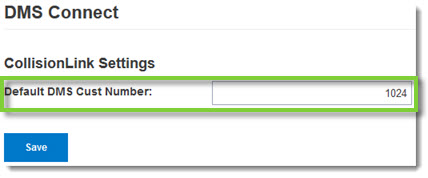
- Click Save when complete.
Step 2 - Setting Up the DMS Counter Person ID
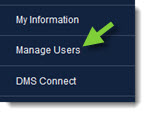
- Click Manage Users from the Application Setup menu options.
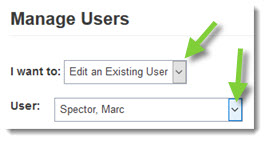
- Click the I want to drop-down, select Edit an Existing User, and then click the User drop-down to select a sales person.
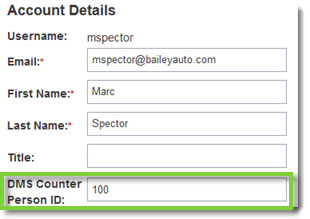
- Type their DMS employee identifier into the DMS Counter Person ID field.
- Click Save to store your changes.
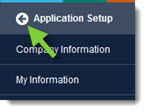
- When complete, click the Back button at the top of the left-hand navigation menu to close.